Animatronics Afterhours
A downloadable game for Windows

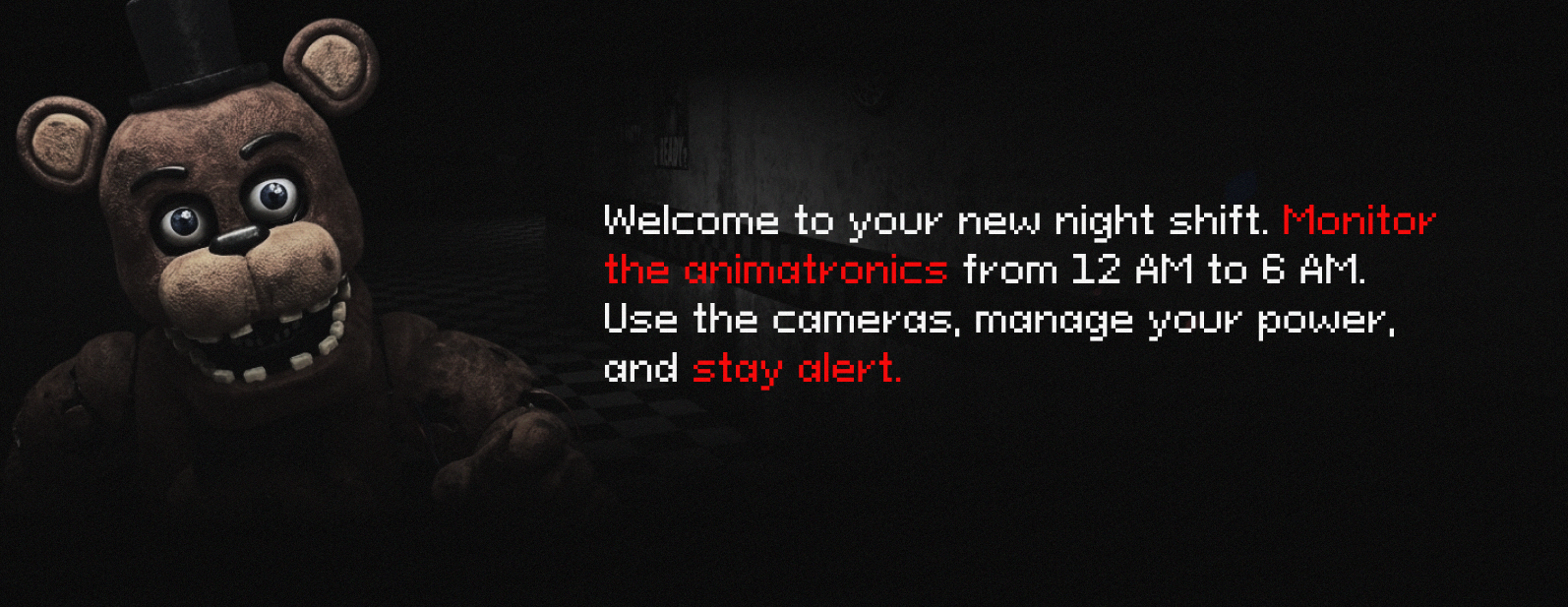
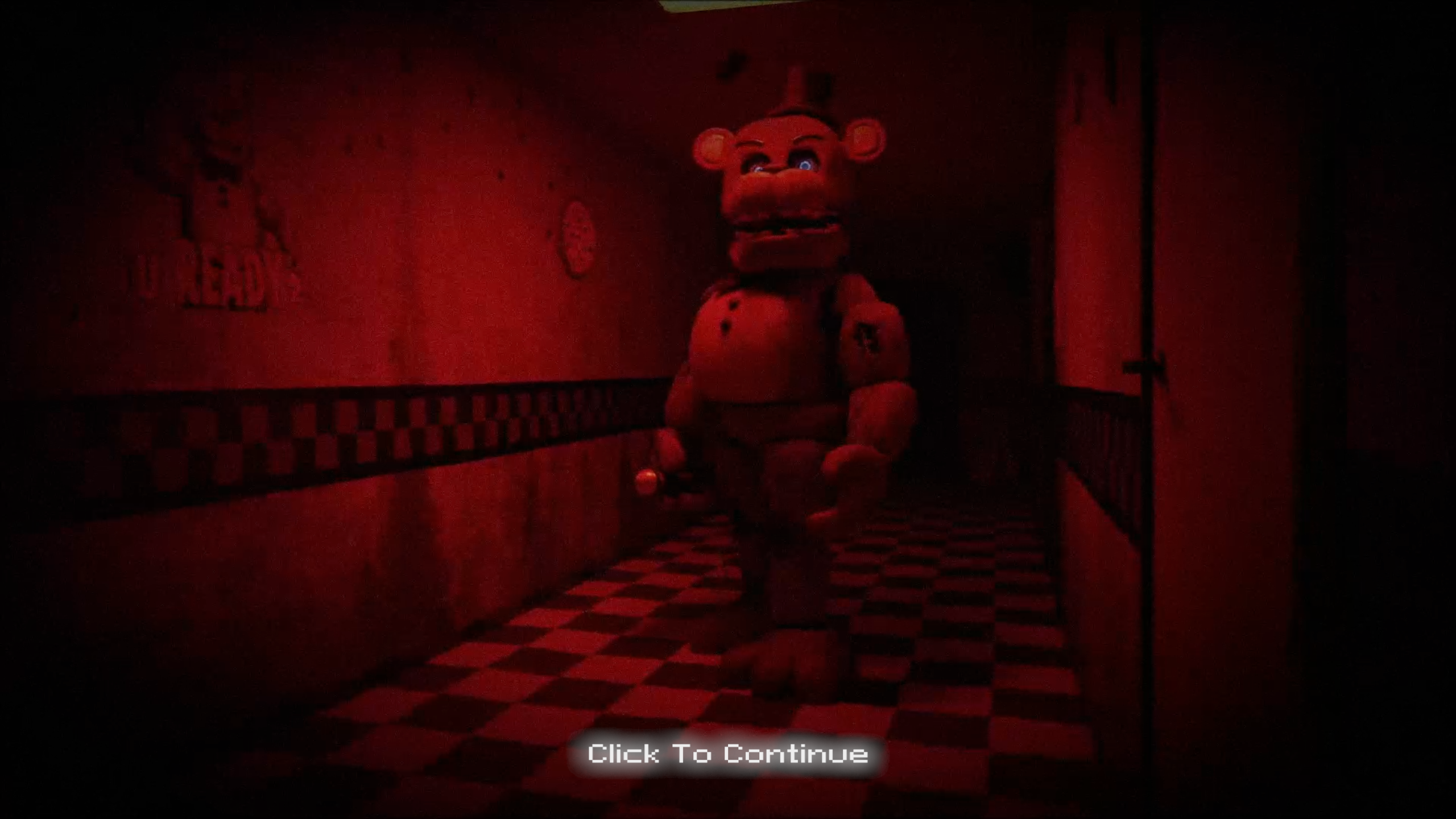
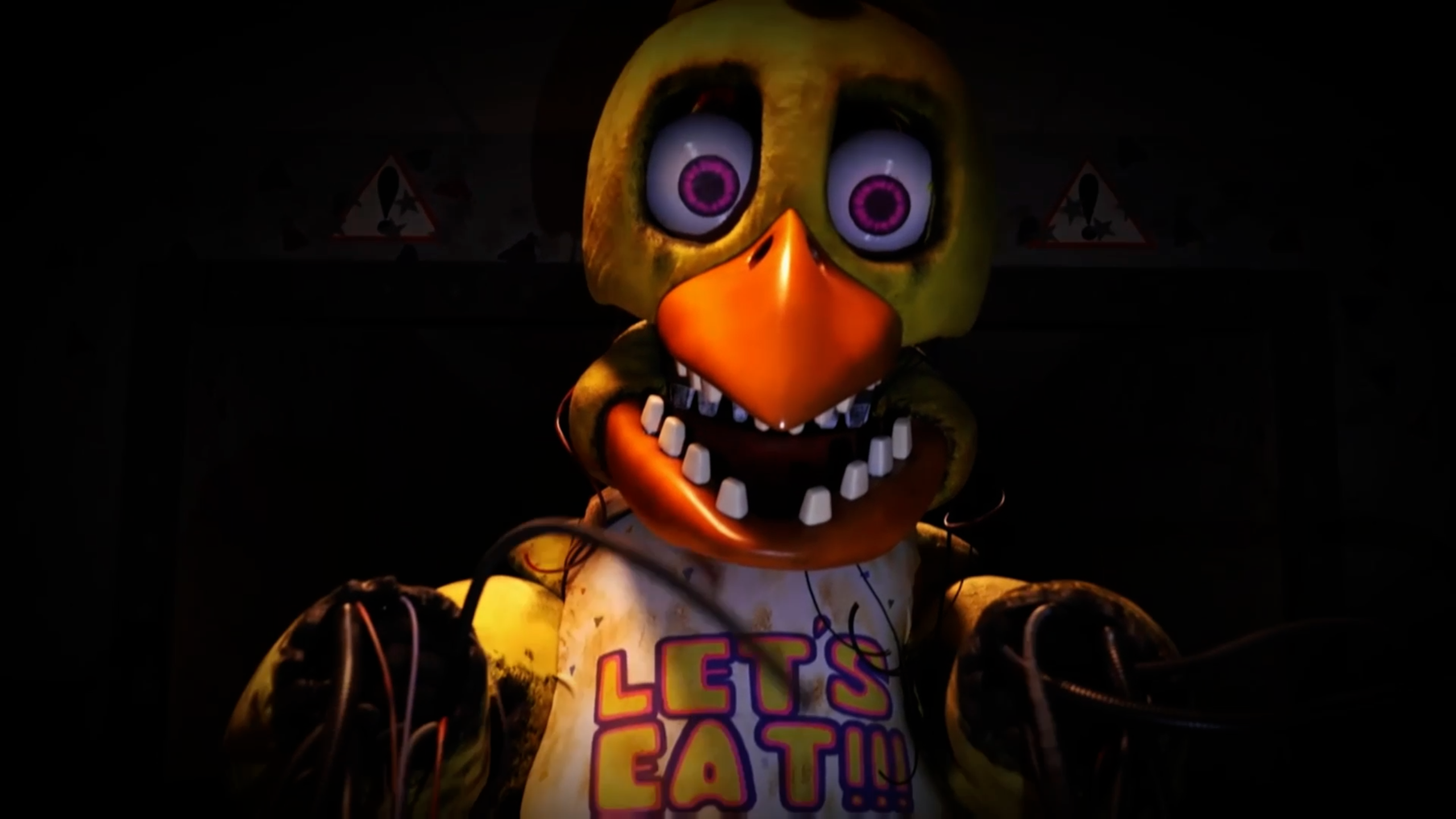
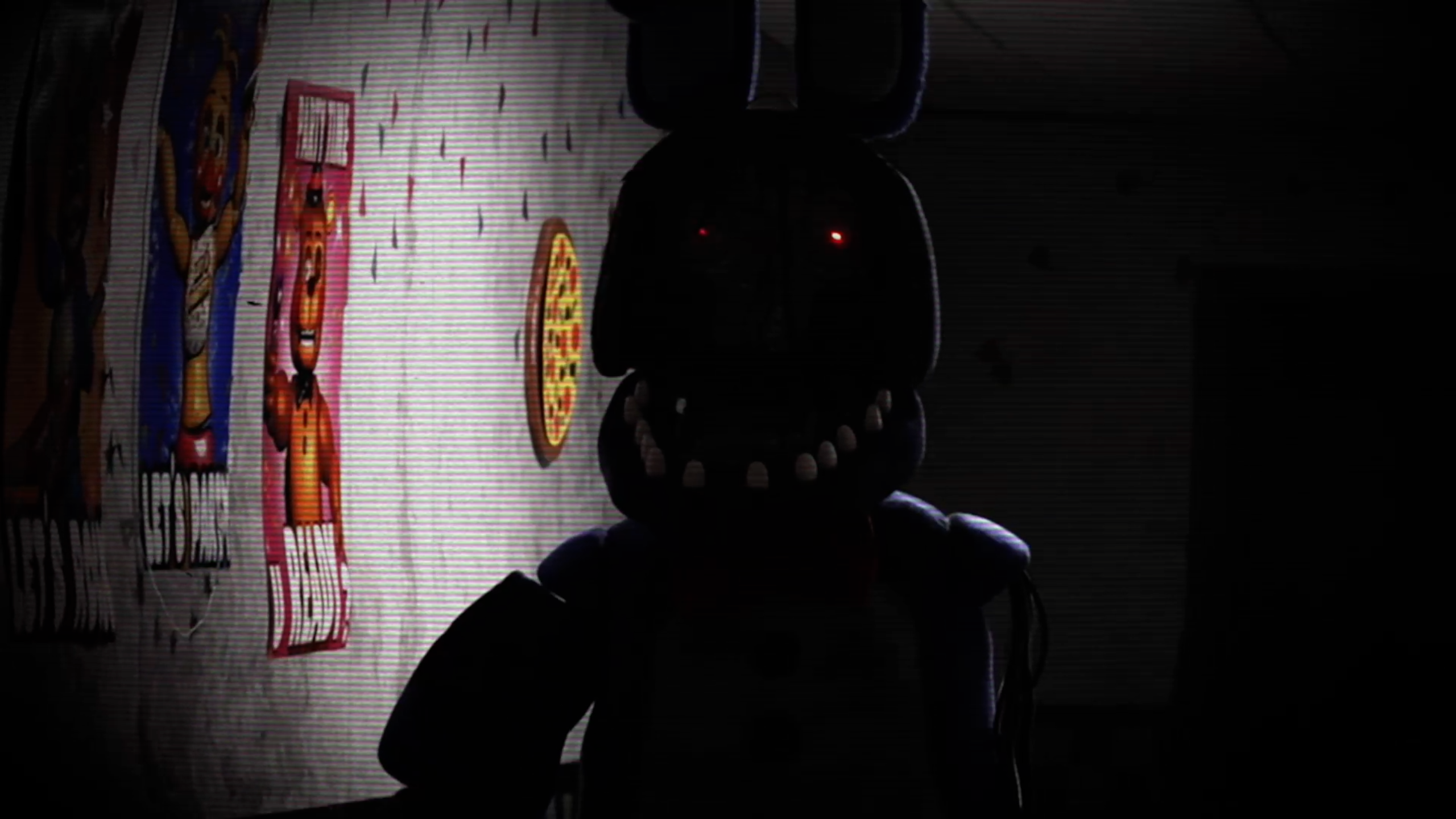
Animatronic Afterhours is a thrilling survival horror experience heavily inspired by the beloved animatronic night-shift classics, now brought directly into reality. This fan-made tribute takes the familiar tension of monitoring cameras and managing resources, and amplifies it with real-world physical interactions.
Featuring a brand-new webcam synchronization system, your real-life movements dictate your in-game survival. Alongside familiar core mechanics, this game introduces a variety of brand-new strategic features to help you manage the chaos. Can you survive the night shift when the terror reacts to your actual physical movements?
- Real-Life Mask Sync: No more pressing a button to hide. Using your webcam, simply cover your face with your hands in real life, and the game will automatically equip the Freddy Fazbear mask to fool the animatronics.
- Vent Wind Turbines: The vents are no longer a free pass for the enemy. Activate the wind turbines inside the vents to blow the animatronics back and keep them out of your office.
- Hidden Battery Spawns: Don't let the dark consume you. Batteries will now spawn randomly across hidden camera feeds. Find and collect them through the monitor to recharge your flashlight ammo.
- Call Decay System: Take control of the animatronics' movements. Use the Call Decay audio lure to summon or distract them, effectively pulling them away from your office when things get too crowded.
- Survive the Night: Your goal is to survive your shift from 12 AM to 6 AM while managing your limited resources.
- Manipulate Movement: Use the Call Decay audio lure strategically to divert animatronics away from dangerous positions.
- Defend the Office: * Flash the hallway to keep Foxy and others at bay.
- If an animatronic enters the vents, activate the Vent Wind Turbine to push them back out.
- If an animatronic gets into your office, quickly cover your face with your hands in real life to put on the mask!
- Monitor the Cameras: Keep a close eye on the camera feeds to track the animatronics. Watch out for random battery spawns in hidden cameras so your flashlight doesn't run out of power.
- Mouse / Left Click: Navigate the camera monitor, collect hidden batteries, activate Vent Wind Turbines, and trigger the Call Decay system.
- Keyboard (Ctrl / Space): Use your Flashlight (Note: adjust this to your specific keybind).
- Webcam (Physical Movement): Physically cover your face with your hands in front of the camera to equip the Freddy mask. Remove your hands to take it off.
Five Nights at Freddy's and its characters are the intellectual property of Scott Cawthon. This game is not endorsed by, affiliated with, or officially supported by Scott Cawthon. This project is made solely for entertainment purposes & non-profit fan-made game. No copyright infringement is intended.
---
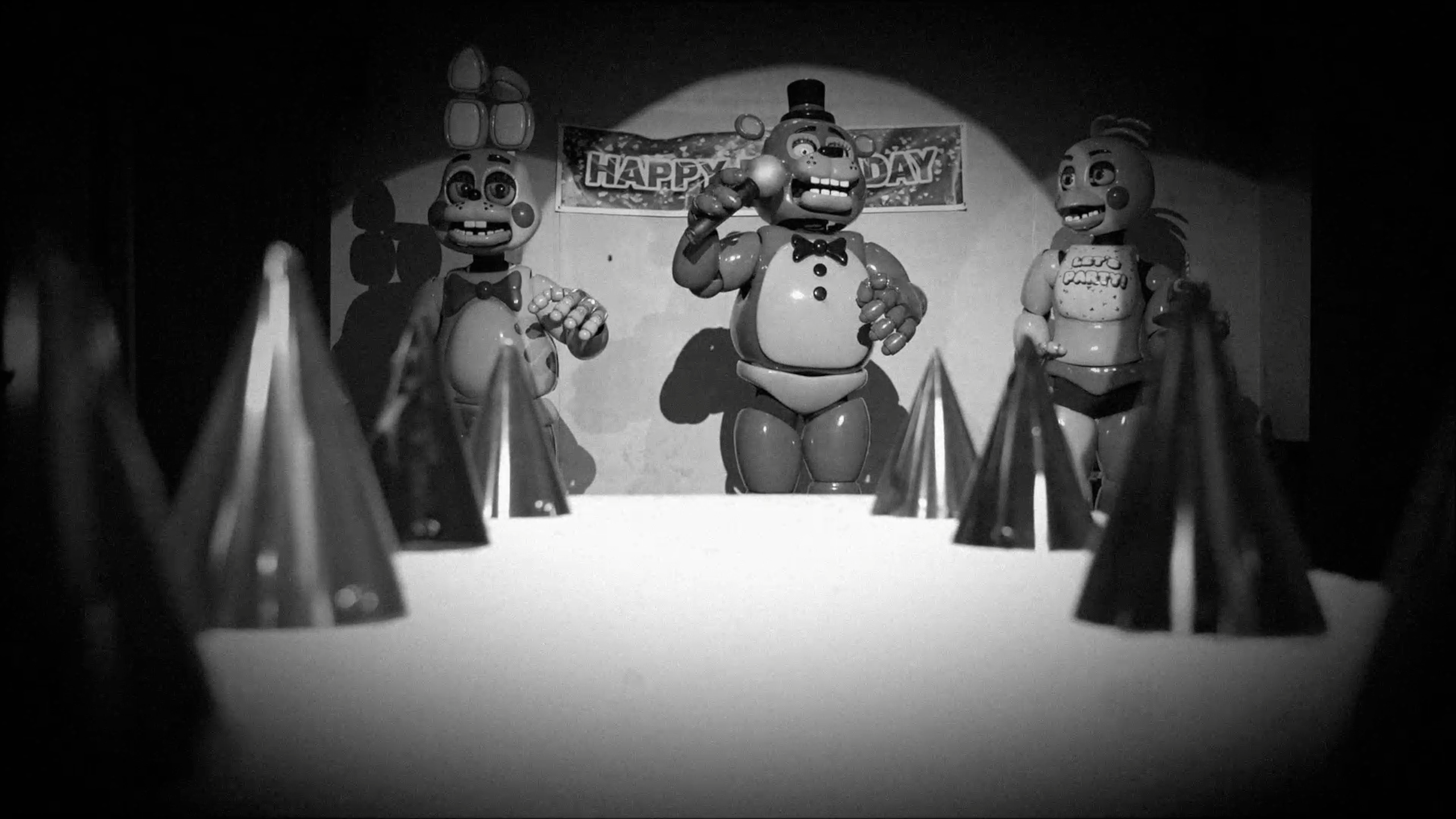
Watch the behind-the-scenes video of the FNAF IRL project here!
We built a life-sized set full of real animatronic characters and filmed it.
---
Enjoying this game? Check out our other fun projects at GameName.live
We also host cool game jams and other events for the gaming community.
---
Developers Note: This game is still in development - so if you notice any bugs please let us know so we can squash them!
---
Download
Install instructions
- Click the Download button.
- Unzip the file anywhere on your computer.
- Double-click Animatronics Afterhours .exe to open the game.
- If Windows gives you a warning:
- Click More Info
- Click Run Anyways
- Play and try to survive the night! 🌙
Leave a comment
Log in with itch.io to leave a comment.